One study system, from first outline to final exam.
Recursive breaks what you need to learn into small pieces, gives you a notebook to work them through, and turns what you wrote into cards you'll actually remember.
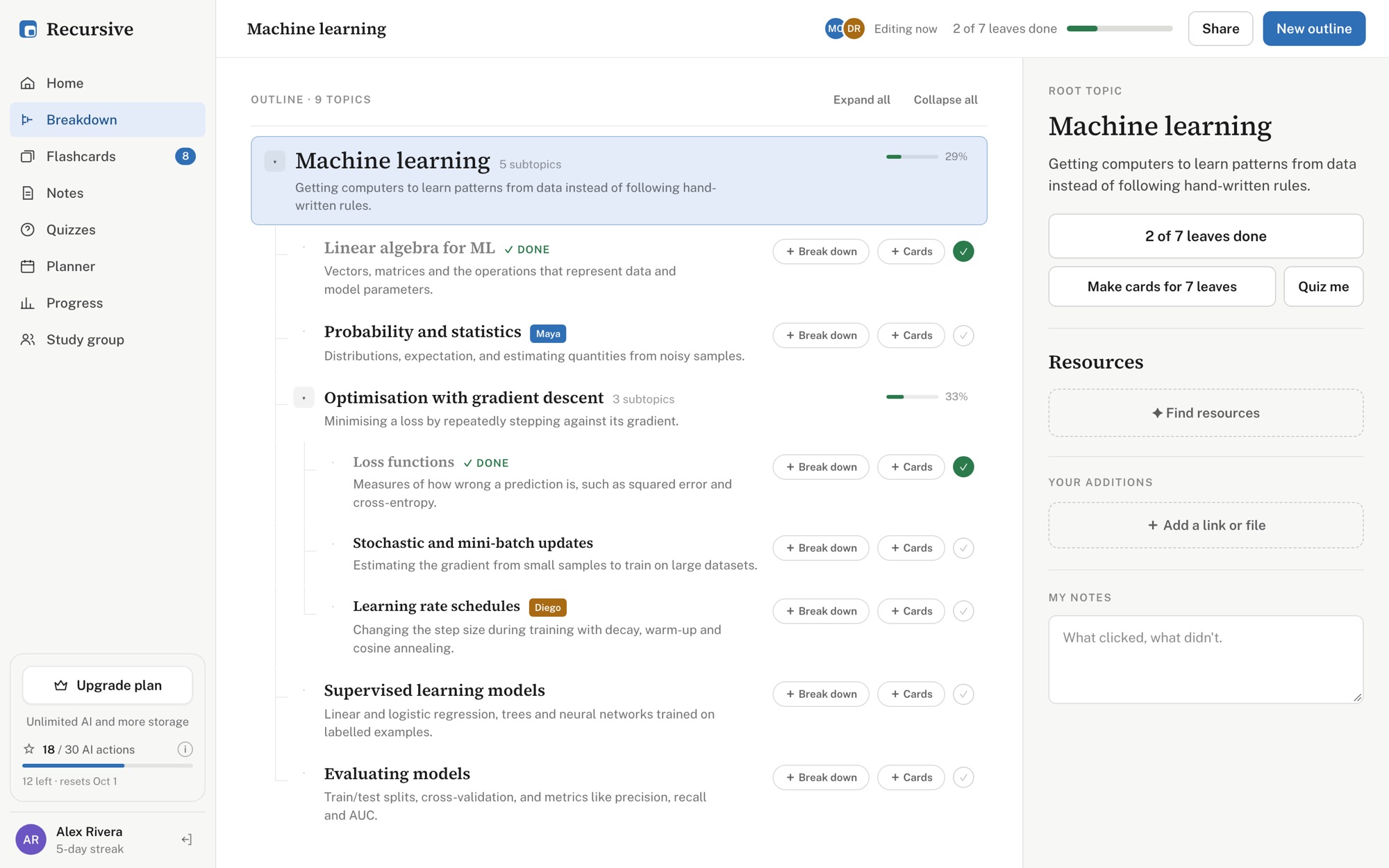
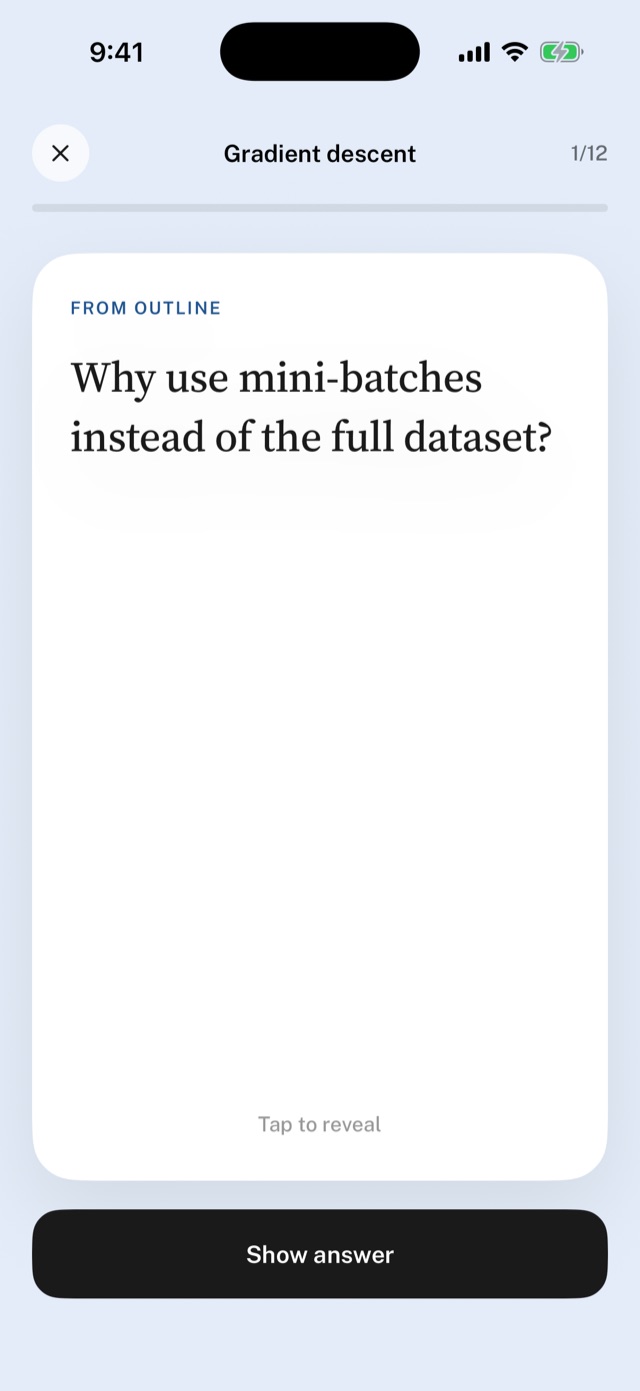
Break any topic down until it fits in one sitting.
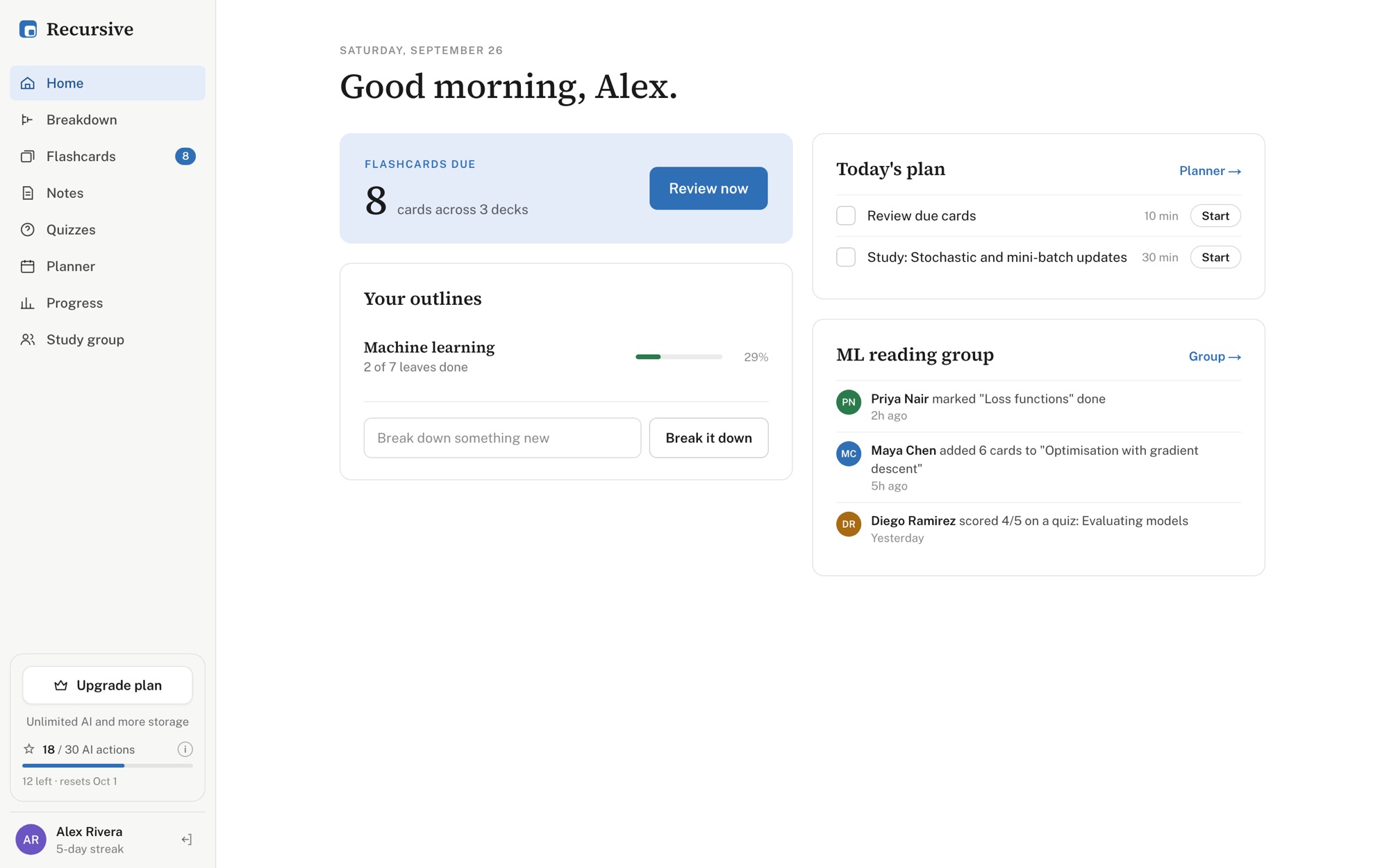
Type something as broad as “machine learning” and Recursive splits it into the subtopics that actually make it up, in the order they build on each other. Open any piece and split it again. Stop when a leaf looks learnable.
- Every topic gets a one-line explainer, what it unlocks and its prerequisites.
- Leaves collect the videos, papers, courses and threads worth your time, plus links and files you add.
- Tick leaves off and the whole tree shows how far you've come.
- Share an outline with classmates and see who's editing, live.
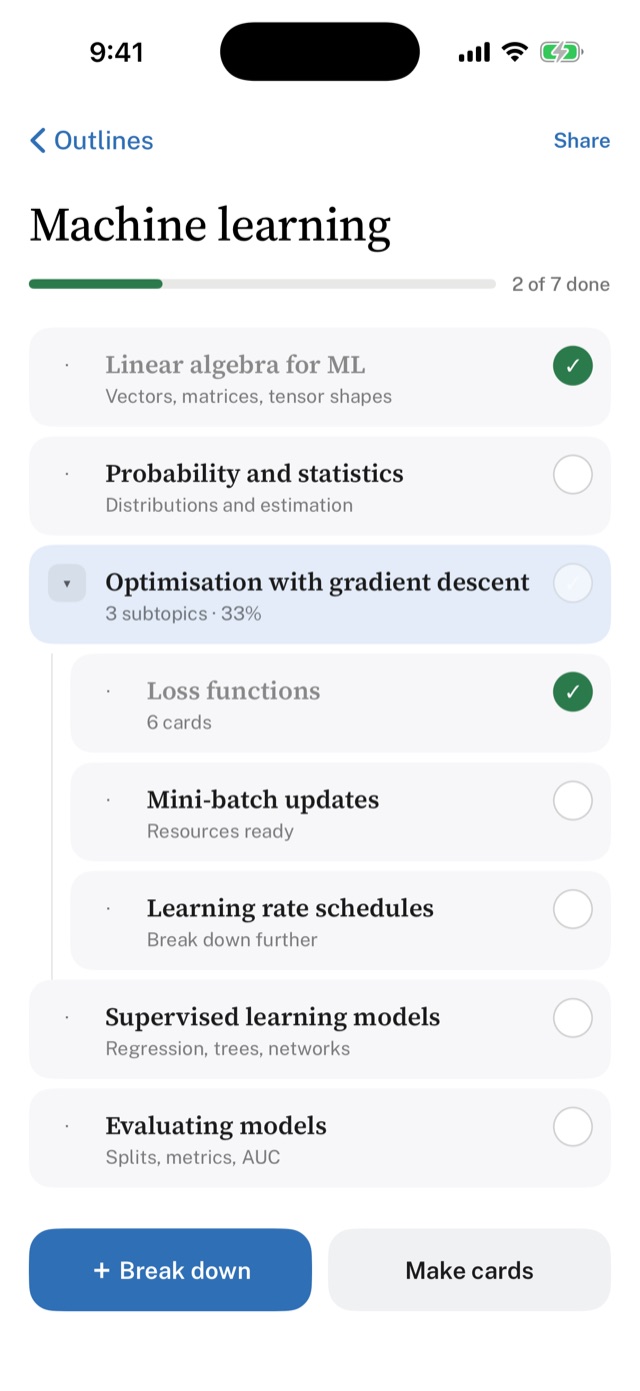
Write like it's paper. Find it like it's text.
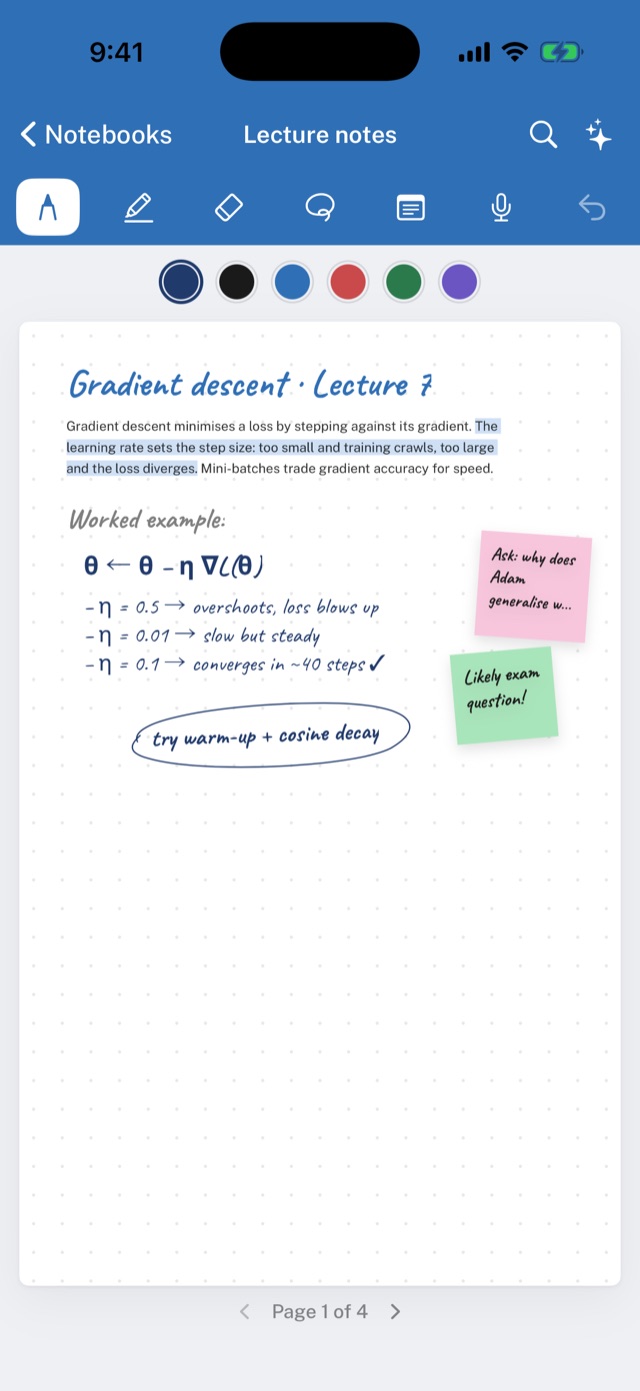
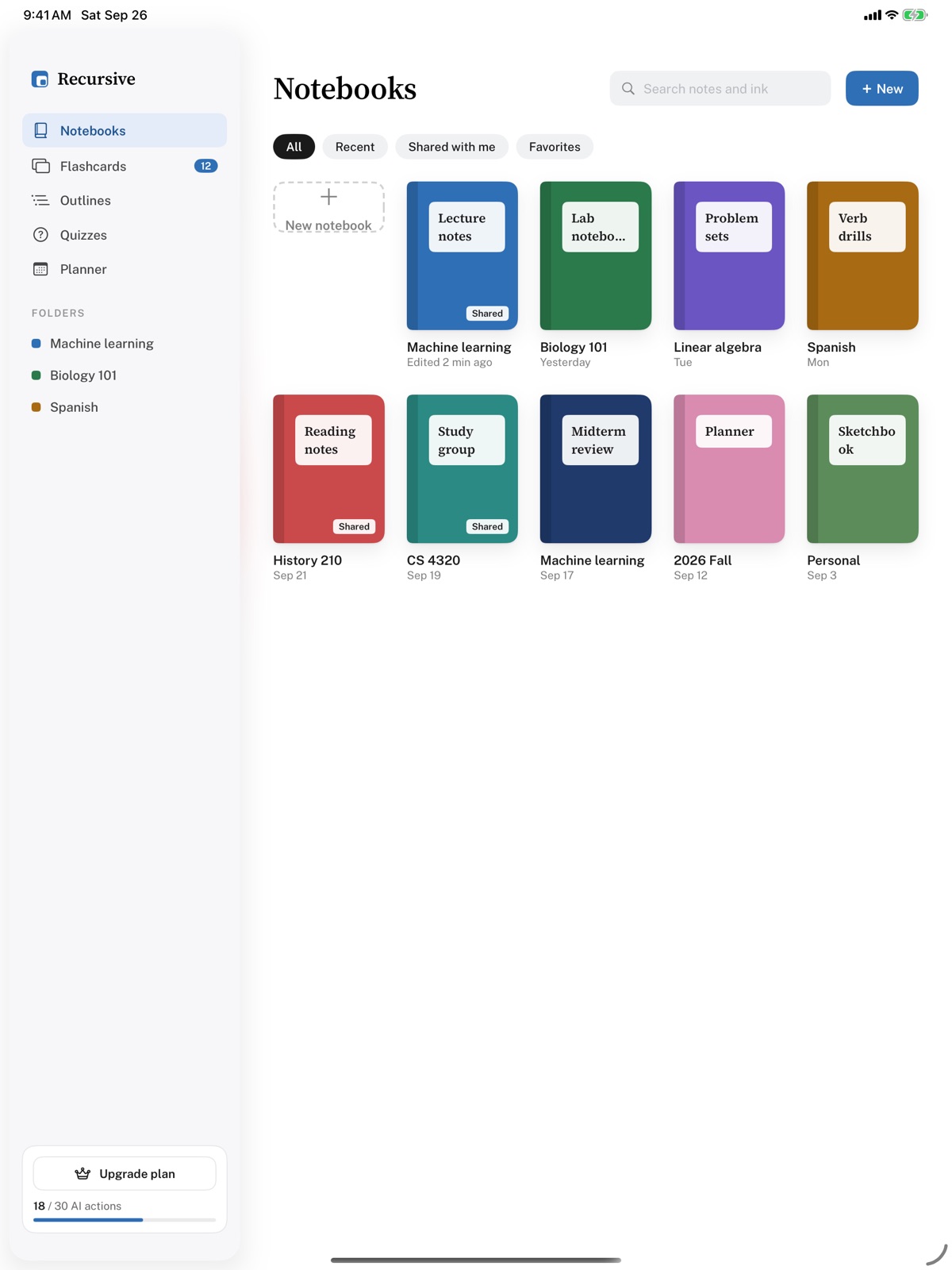
On iPad, Recursive is a proper handwriting notebook: low-latency ink with Apple Pencil, a highlighter that stays behind your writing, and a lasso to move things around. On iPhone, the same pages work with your finger.
- Pen, highlighter, eraser and lasso, with colours and widths one tap away.
- Drop sticky notes, text boxes and images anywhere on the page.
- Dot-grid pages that go from a lecture to a problem set to a lab write-up.
- Your handwriting is searchable, so nothing gets lost in a notebook again. (Pro)
Your notes, summarised. Your to-dos, pulled out.
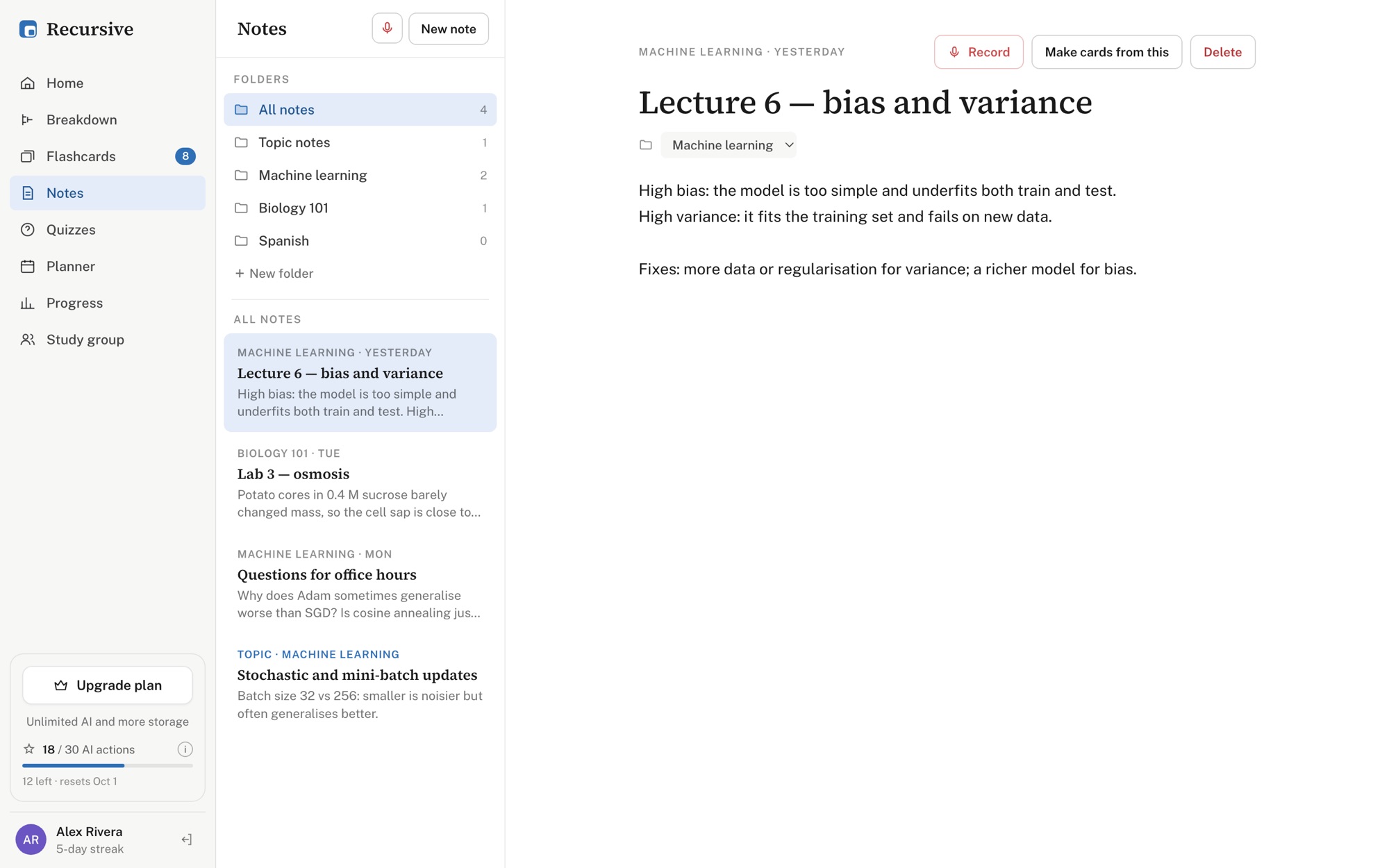
Open the AI panel on any page and ask what you need: a summary, the action items, a simpler explanation of the hardest idea, or a set of flashcards. It reads what you typed, and on Pro, what you wrote by hand.
- One tap for Summarize, Action items, Make flashcards or Explain simply.
- Or ask your own question about the page.
- Send the answer straight into a deck, or onto the page as a note.
Record the class. Keep your eyes on the board.
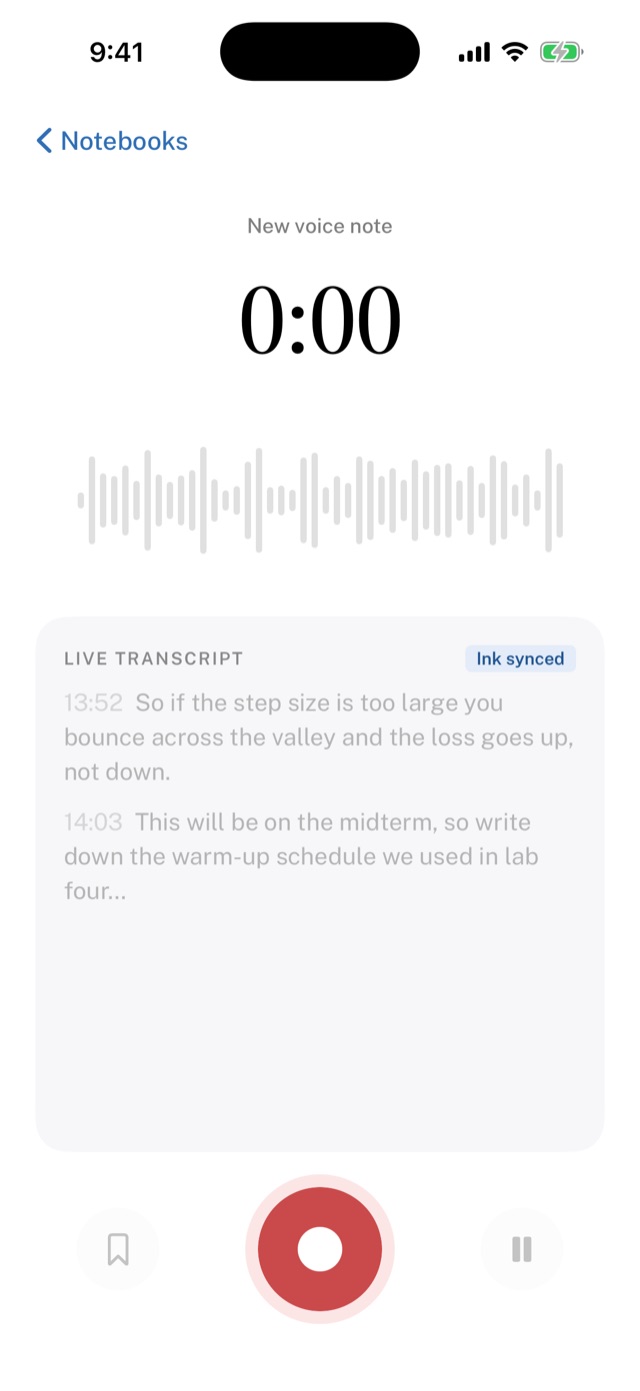
Hit record in a notebook or start a voice note, and Recursive keeps a live transcript as you go. Bookmark the moment the professor says “this will be on the midterm” and find it again in a second.
- Live transcript on your device while you record.
- Bookmarks highlight the lines that matter.
- Recordings stay with the notebook page you wrote them on.
- 1 hour of transcription a month on Free, 10 on Pro.
Cards that know when you're about to forget.
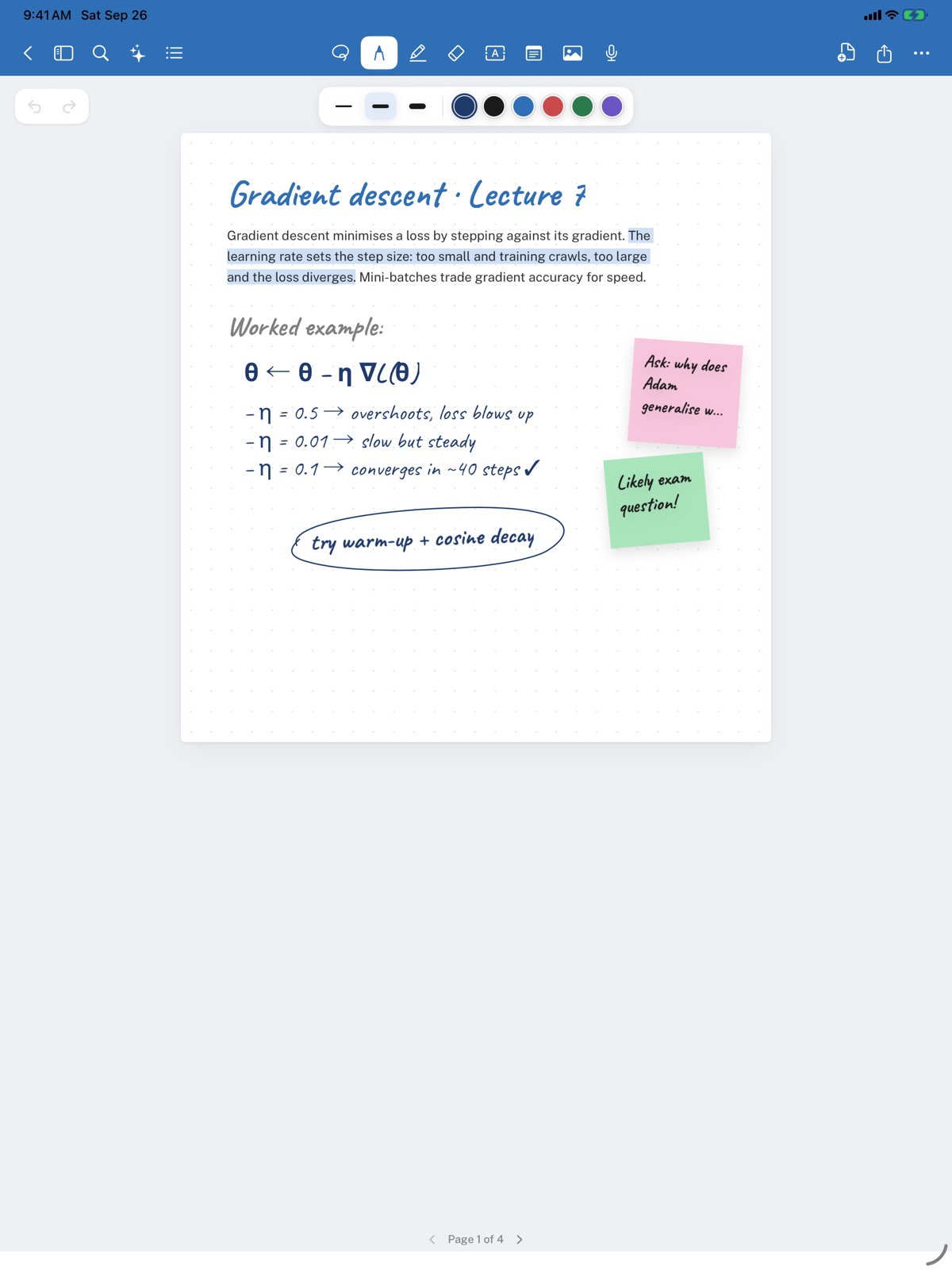
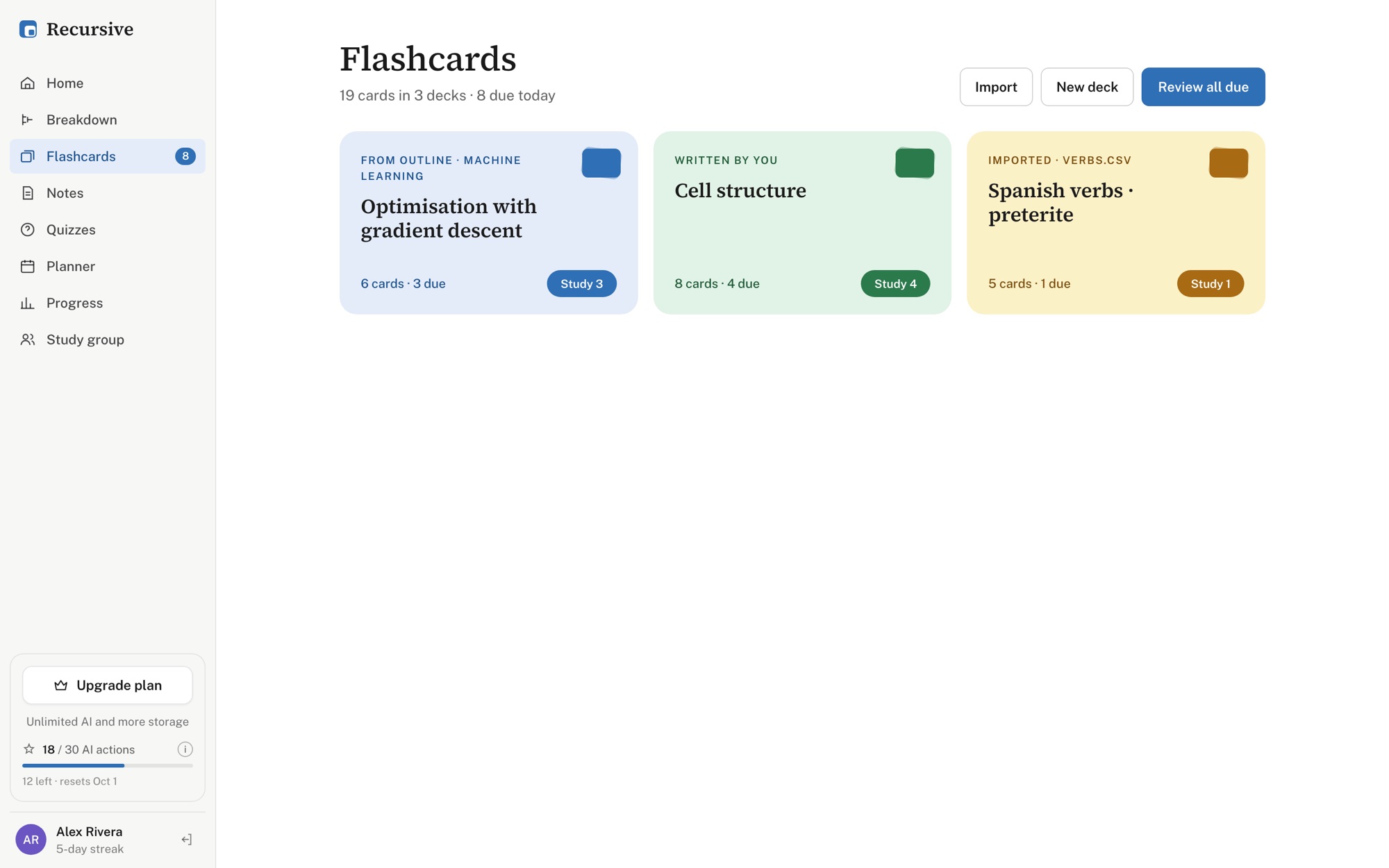
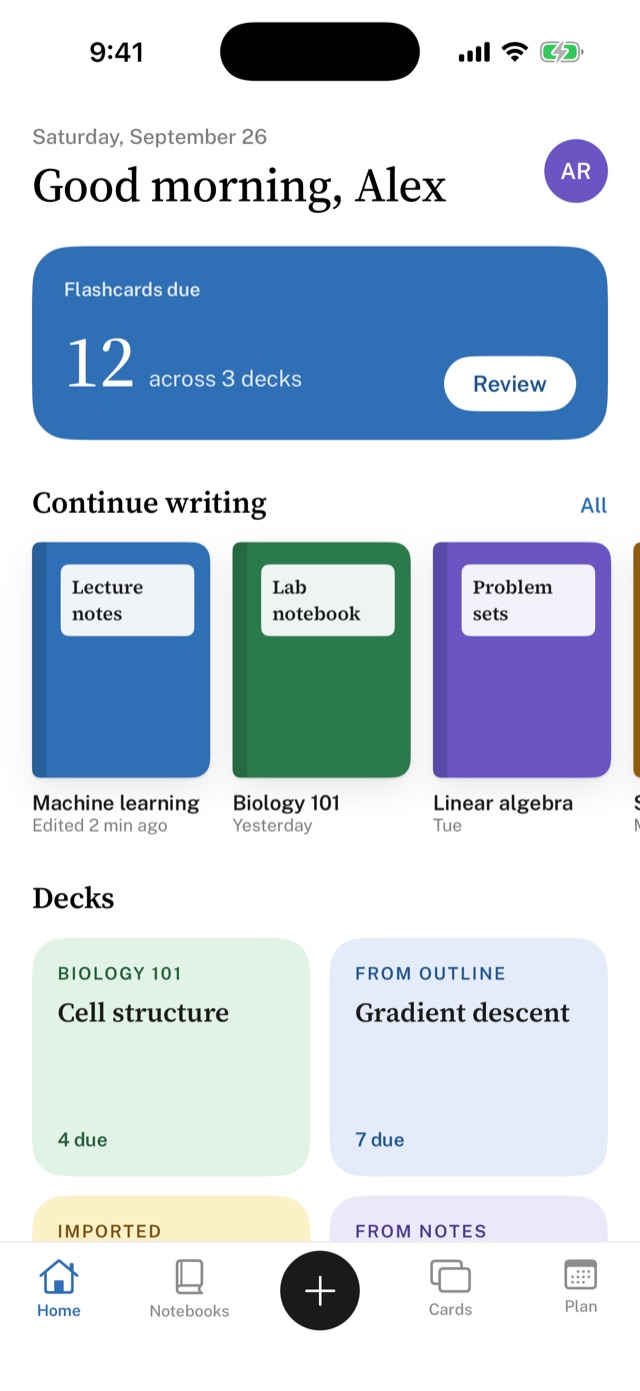
Make cards from an outline, from a page of notes, by hand, or by importing a list. Spaced repetition schedules each one, so every session is exactly the cards that are due. Nothing more.
- Again, Hard, Good, Easy. Each answer sets when you'll see the card next.
- Decks made from an outline stay linked to the topic they came from.
- Keyboard shortcuts on the web, big thumb-friendly buttons on iPhone.
- Unlimited cards and reviews on every plan.
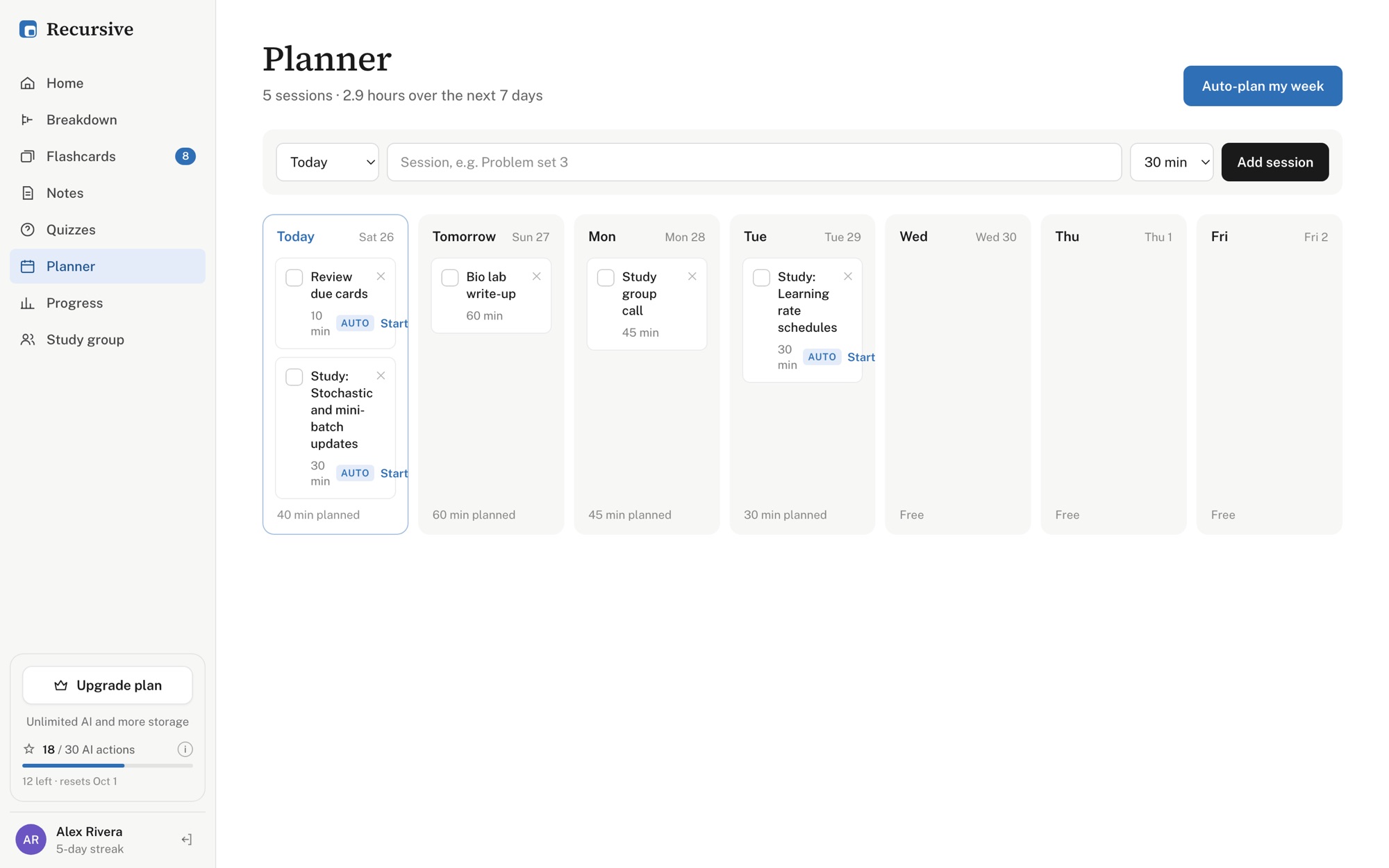
A week that plans itself around what's due.
Auto-plan fills your week with the reviews that are coming up and the next leaves in your outlines. Add your own sessions, tick them off, and watch reviews, recall and outline completion add up.
- One click to plan seven days of reviews and study sessions.
- Start a session straight from the plan.
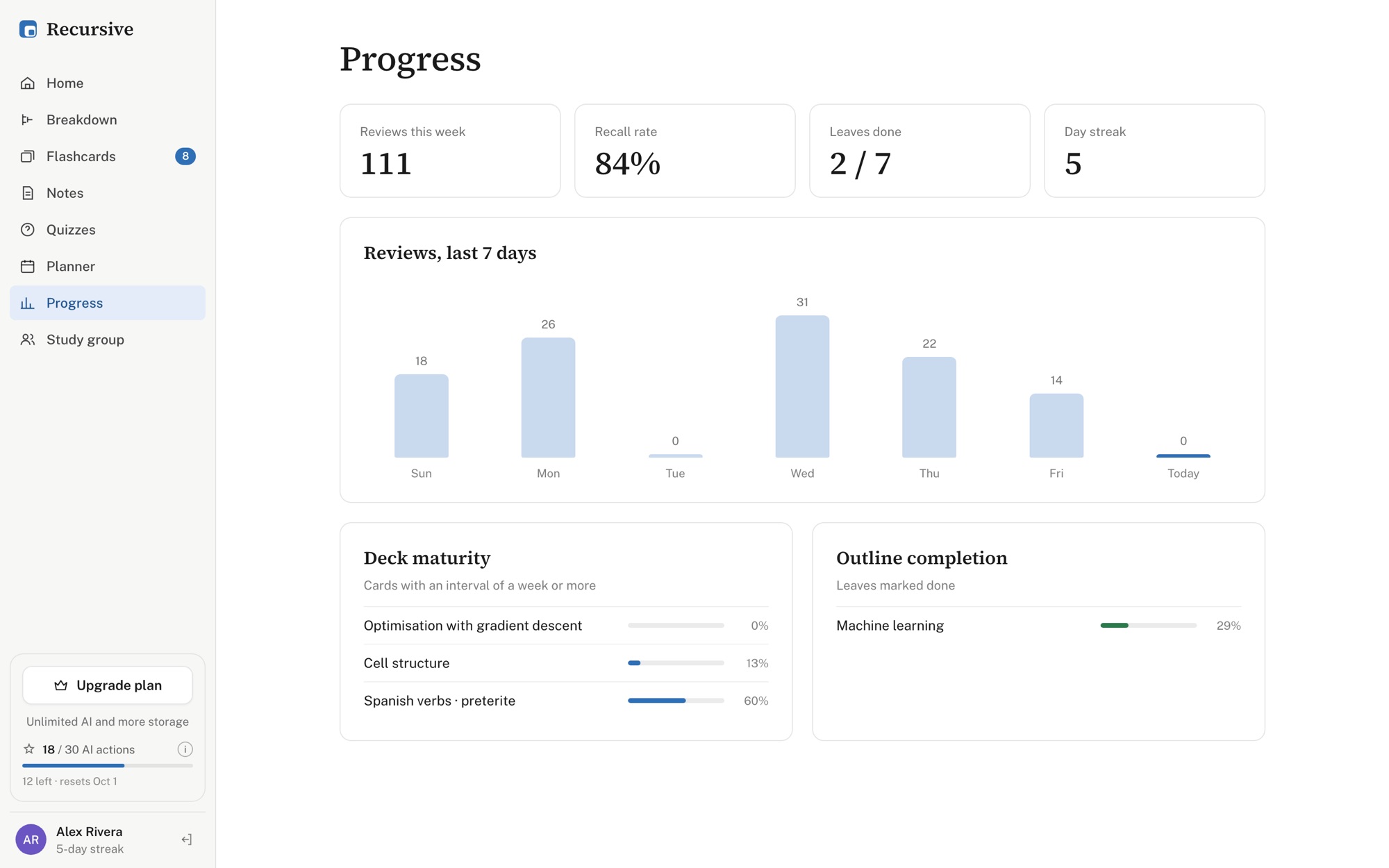
- Recall rate, streaks, deck maturity and outline completion at a glance.
The small things that make a study app yours.
The right tool on every screen.
Sign in with Apple or Google and pick up where you left off.
Pick a topic. Start splitting.
Free for students, on web, iPad and iPhone.